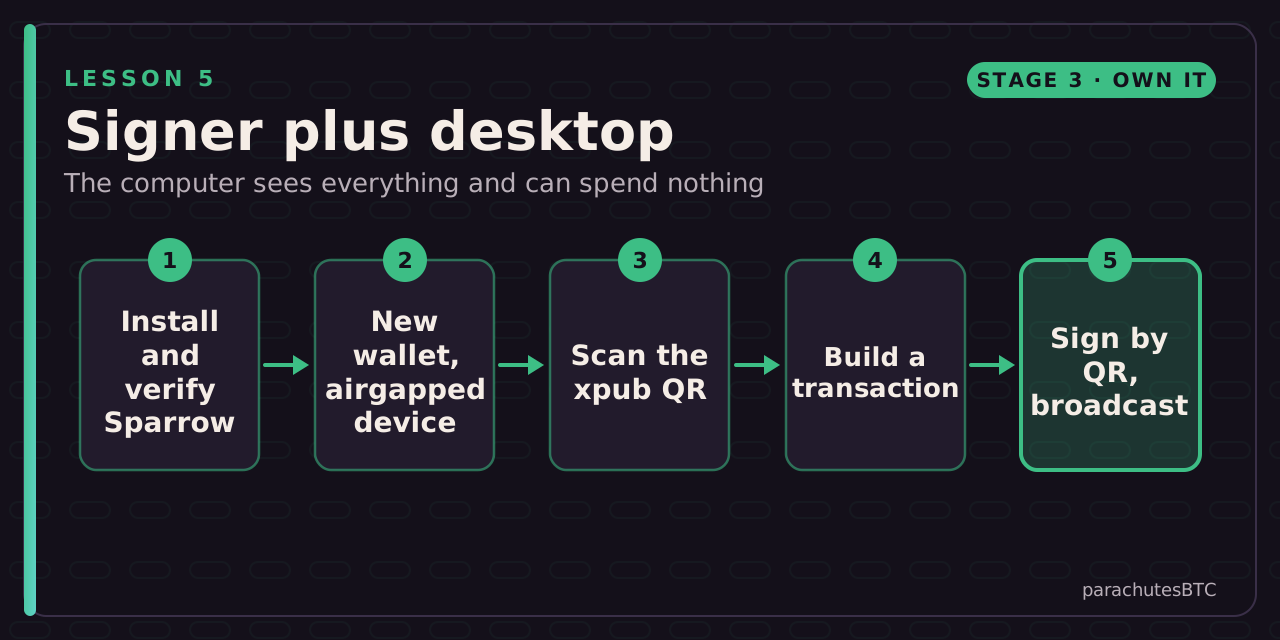
Create a watch-only wallet in Sparrow from your signer's public key, receive, build a transaction, sign it by QR and broadcast. The same flow works with Nunchuk on mobile.
Before you start: The signer from the previous lesson and a computer.
IN THIS LESSON · 5 OF 13
BY THE END YOU WILL BE ABLE TO ANSWER
What can a watch-only wallet do?
How does the signed transaction get back to Sparrow from an air-gapped signer?
Why verify the first receive address on the signer rather than only in Sparrow?
In Sparrow, open Settings for your new wallet and count the keystores. For a single-signature wallet, how many should there be?
Then prove it: a 3-question quiz · a challenge. The lesson marks itself complete at 100%.
After this lesson you can: run a full wallet on your computer that can see every balance and build every transaction, while the keys stay on a device that has never been online.
Why a desktop wallet
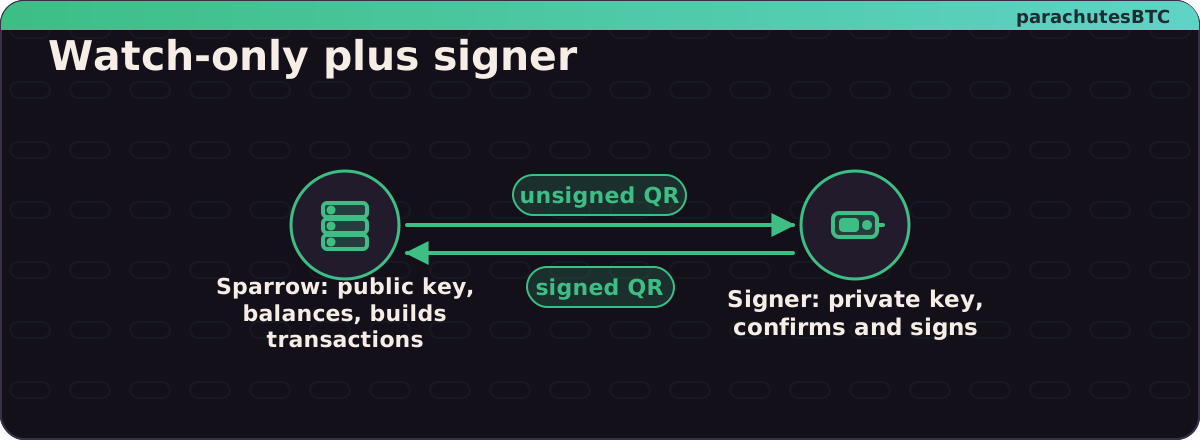
Your signer holds the keys. It does not know your balance, talk to the network or build transactions. A desktop wallet does those jobs with the public key you exported, which is why it is called watch-only. Sparrow is the usual example on desktop; Nunchuk does the same on a phone. Both are open source.
Learn Sparrow Bitcoin Wallet in 15 Minutes (Full Guide) · BTC SessionsWatch on YouTube ↗
Steps
What you have built
Two halves of one wallet. The computer sees; the signer signs.
A wallet with two halves: a computer that knows everything and can do nothing, and a device that knows one secret and does one thing. Neither alone can lose your coins to a remote attacker.
How To Use Sparrow Bitcoin Wallet - In Depth Tutorial · BTC SessionsWatch on YouTube ↗
MINI CHALLENGEWatch-only check
In Sparrow, open Settings for your new wallet and count the keystores. For a single-signature wallet, how many should there be?
keystore
One signer, one keystore.
One keystore holding only the public key. Sparrow can see; it cannot spend.
01See balances and build transactions, but not sign themIt has the public key, not the private one.
02As a QR code on the signer's screen, scanned by the computer's webcamPictures in, pictures out; nothing else connects.
03Because the computer could be compromised, and the signer proves the address belongs to your seedThe screen you trust is the one malware cannot reach.