Before you start: A computer with at least 20 GB free (pruned) or 1 TB (full), and the verification lesson from Self-custody essentials.
IN THIS LESSON · 3 OF 6
BY THE END YOU WILL BE ABLE TO ANSWER
What does a pruned Bitcoin Core node keep on disk?
How do you know the Bitcoin Core you installed is the one the developers released?
Which setting is incompatible with a pruned node?
After installing, run bitcoin-cli getnetworkinfo (or open Help, About). How many digits are in the version number you see (e.g. 29.1.0 has 4)?
Then prove it: a 3-question quiz · a challenge. The lesson marks itself complete at 100%.
After this lesson you can: run the reference software on your own machine and know that the copy you are running is the one the developers signed.
Which path
This lesson is the "Bitcoin Core directly" path from the previous lesson. If you chose a turnkey bundle (Umbrel, Start9), it does these steps for you behind a dashboard; the video at the end shows that route. Either way the software underneath is the same.
How To Run A Bitcoin Node For FREE - Bitcoin Core · BTC SessionsWatch on YouTube ↗
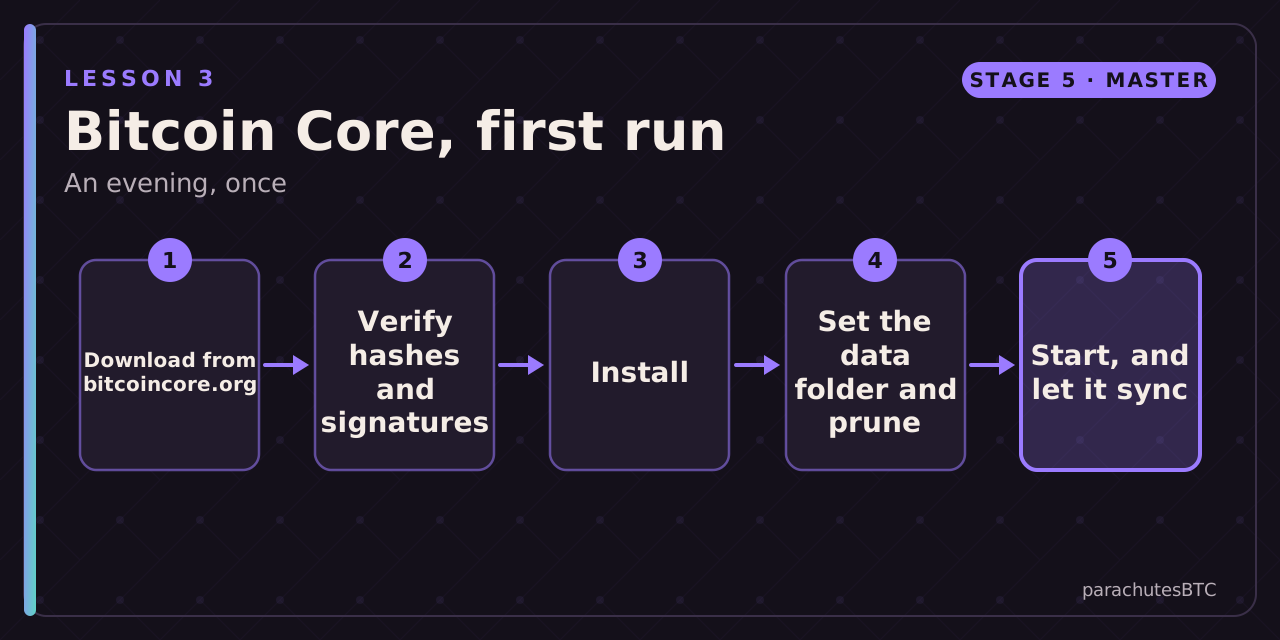
Steps
Check your work
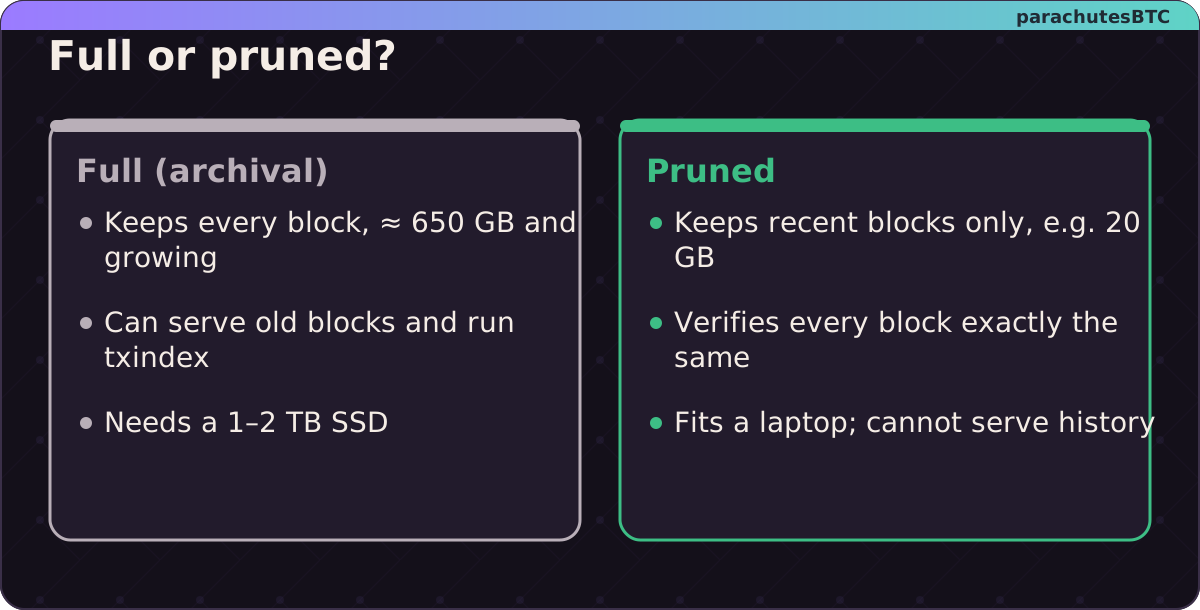
Same verification, different disk. Pick by the space you have.
bitcoin-cli getnetworkinfo shows the version you installed; it should match the release you verified. getblockchaininfo shows pruned: true or false as you intended and a rising blocks count.
RUN A BITCOIN NODE: Simple Tutorial With UMBREL Home · BTC SessionsWatch on YouTube ↗
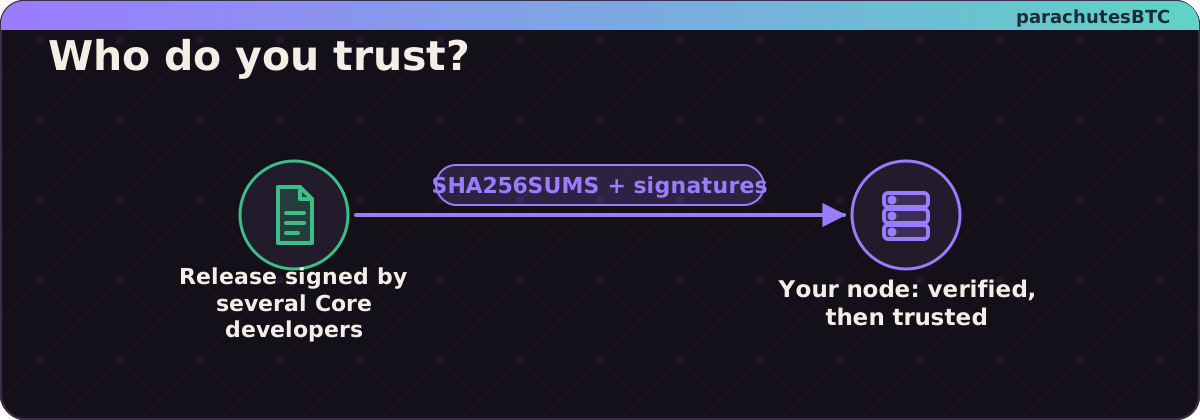
A verified node is yours; an unverified one is whoever swapped the download.
MINI CHALLENGEVerify it
After installing, run bitcoin-cli getnetworkinfo (or open Help, About). How many digits are in the version number you see (e.g. 29.1.0 has 4)?
01A few gigabytes of recent blocks plus the full UTXO set, after verifying every blockPruning discards old blocks after they have been verified; verification is identical.
02Because its SHA-256 matches SHA256SUMS and that file carries good signatures from developer keys you fetched independentlyHTTPS protects the connection, not the file's origin; signatures do.
03txindex=1A full transaction index needs every block to be present.