
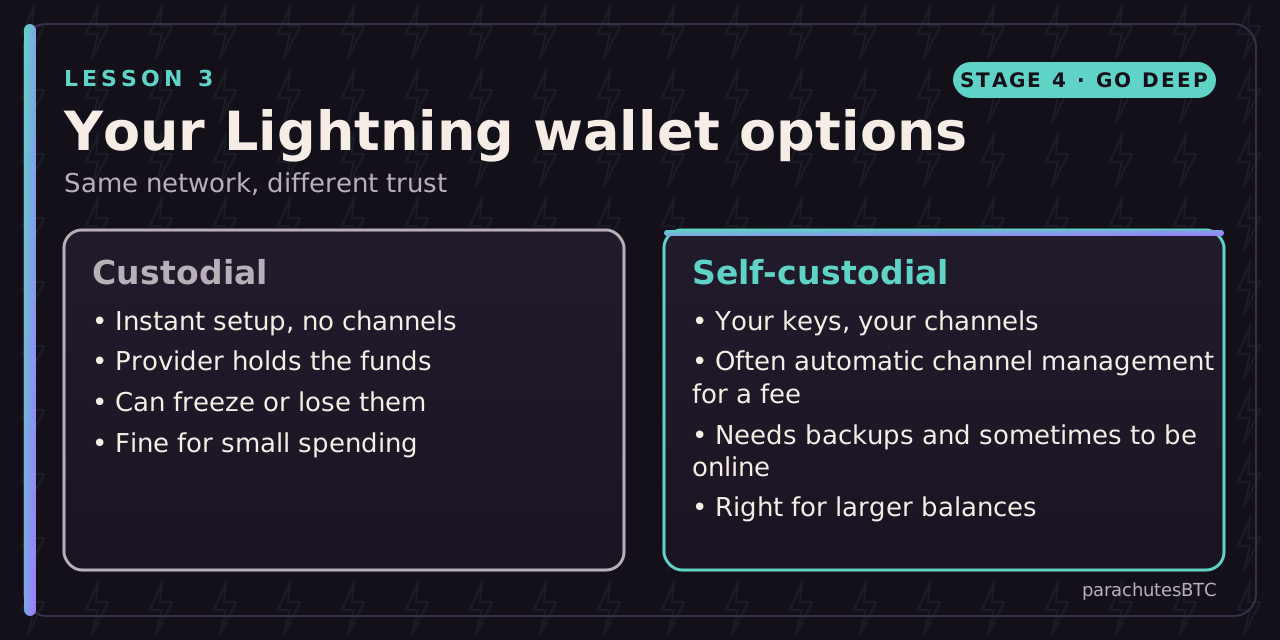
After this lesson you can: pick a Lightning wallet type and make a payment.
Getting started
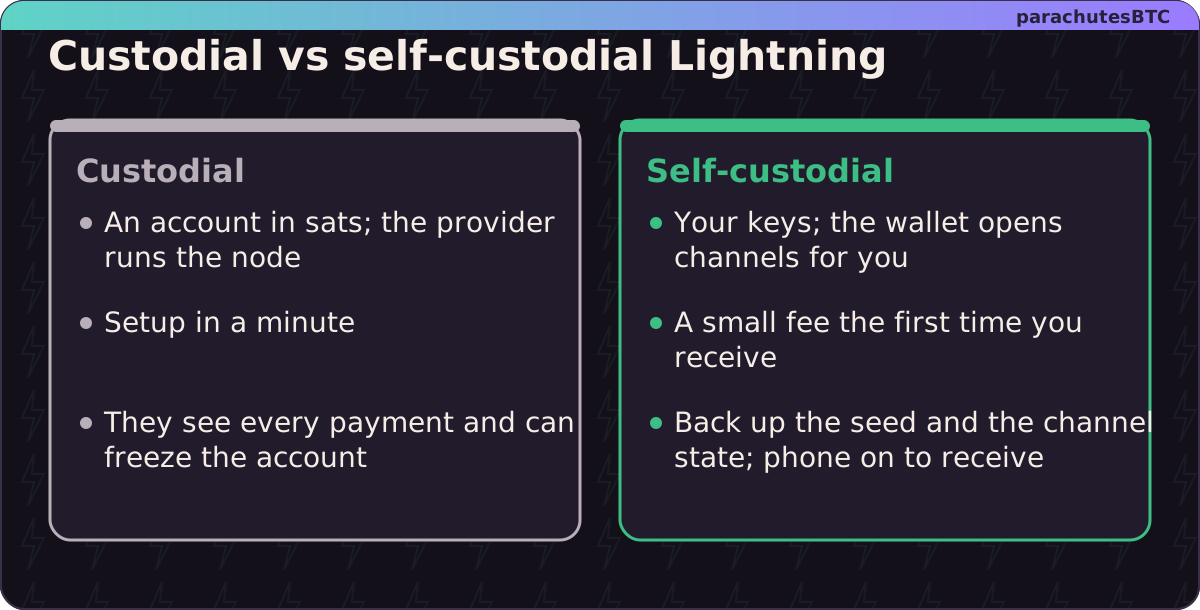
Most people's first Lightning payment is through a mobile wallet. The choice is the same as everywhere in Bitcoin: who holds the keys?
- Custodial. The provider runs the node and holds the funds; you have an account. Setup takes a minute. It is a bank account denominated in sats, with the provider's risks.
- Self-custodial. You hold the keys. Modern wallets open channels for you automatically, usually through a liquidity provider that charges a small fee, so you do not manage channels by hand. You need to back up the seed and often a channel state file, and your phone has to be on to receive.
Sending and receiving
- To receive, tap Receive and share the invoice or QR, or give your Lightning address.
- To send, scan an invoice, check the amount and destination, confirm. It settles in a second or two.
- Fees are usually a few sats. Failed payments cost nothing; the wallet retries other routes.
Good practice
- Treat a Lightning wallet like the cash in your pocket: spending money, not savings. Move larger amounts to on-chain cold storage.
- Back up what the wallet asks you to back up. Some self-custodial wallets need a channel backup as well as the seed.
- Test with a small payment to a friend or a tipping site before relying on it.
Where it is used
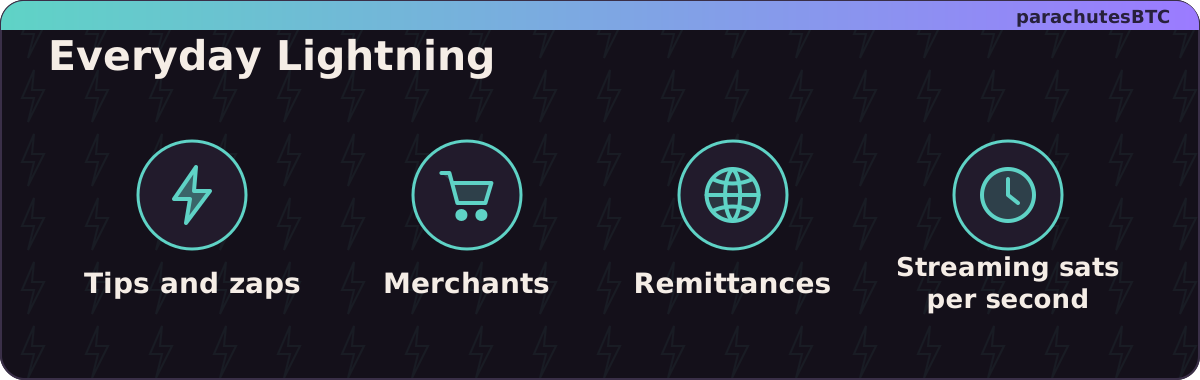
Tips and "zaps" on Nostr, merchant payments, remittances, streaming payments per second, and paying for content. The Support link on this site shows what a Lightning address looks like in practice.
MINI CHALLENGEDo this now: 100 sats
Install a Lightning wallet (Phoenix and Aqua are examples), receive 100 sats from a friend or from your exchange's Lightning withdrawal, then send 50 back. How many seconds did the send take?
seconds
Any small number is right. Most settle in under ten seconds.
You have used Lightning. Examples named are not endorsements.
CHECK YOURSELF
pick an answer for each question